
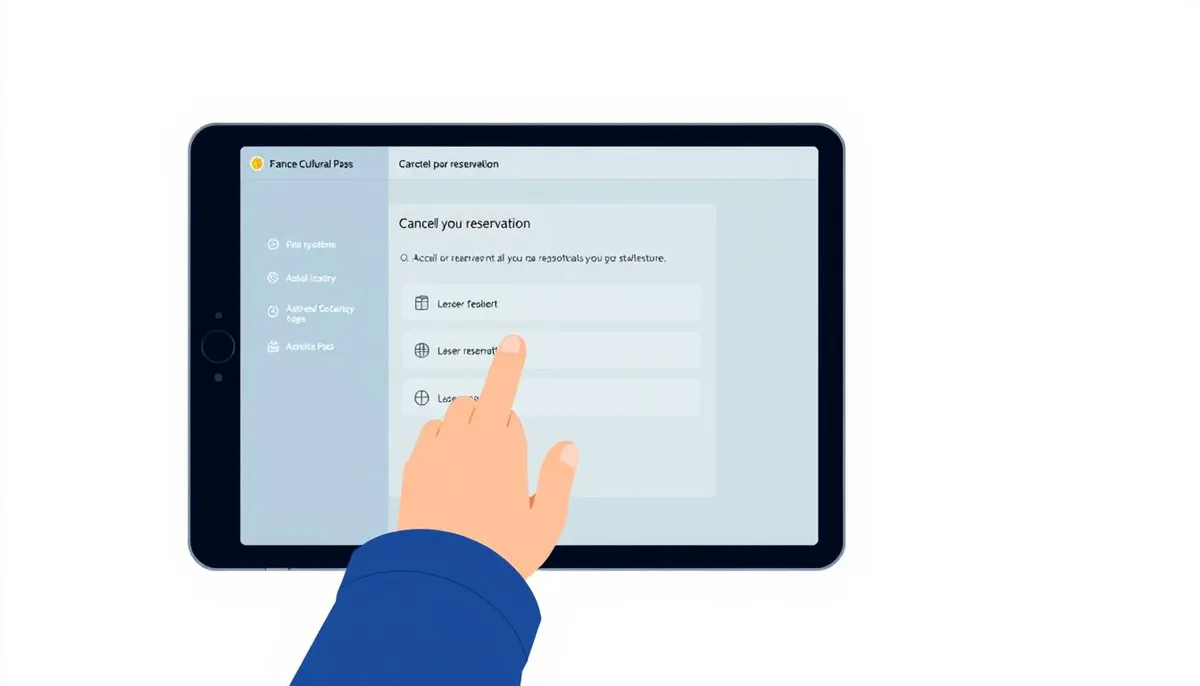
Organizing your cultural agenda sometimes requires adjustments. This guide explains how to change your plans on the platform dedicated to young people, with methods tailored to each situation.
Whether it's for a concert, an exhibition, or a creative workshop, certain rules apply. The most important? The 48-hour window for scheduled events. A crucial timeframe to know to avoid additional fees.
The digital tool offers two main options depending on the chosen offer. Reservations made through the official interface can be managed in just a few clicks. For external partners, the process may vary slightly.
Before confirming an activity, always check the specific conditions mentioned. This precaution will allow you to anticipate any unforeseen circumstances without complications.
Master the practical features of this cultural service for a smooth experience. Integrated tutorials and real-time tracking simplify the management of your artistic program.
General Introduction to the Culture Pass
A digital innovation opens the doors of culture to new generations. This government initiative, available for those aged 15-21, offers a personalized credit based on age: €50 at 17 and €150 at 18 in 2025. A concrete boost to explore various artistic fields.
Thanks to this initiative, young people freely discover enriching experiences. Cinema, museums, creative workshops, or books – over 300,000 offers are accessible via a unique application. The goal? To make art accessible to everyone, regardless of social background.
| Age | Annual Credit | Examples of Use |
|---|---|---|
| 17 years | €50 | Concert ticket, e-book |
| 18 years | €150 | Theater subscription, painting class |
This program promotes autonomy in cultural choices. Beneficiaries learn to create their own program while supporting local players in the artistic sector. A modern way to enhance French heritage.
The mobile application simplifies every step: searching for events, making reservations, and tracking the budget. Its intuitive interface encourages young people to access diverse content, often unknown to the general public.
Overview of the Culture Pass and Its Features
Discover a digital tool that transforms your artistic exploration. This application brings together thousands of certified cultural activities across France. A true companion for young people aged 15 to 21!
Those aged 15-16 can enjoy free offers without financial credit. From 17 years old, a personalized budget is added, cumulative until the day before turning 21. Ideal for planning discoveries over several years.
Three key advantages simplify your usage:
- Instant geolocation of events near you
- Secure payment without cash or credit card
- Smart filters by budget and interests
The application alerts you in real-time via personalized notifications. New features, reservation reminders, electronic tickets – everything is managed from your unique account. A detailed history allows you to track your spending and past activities.
Practical tip: regularly check the temporary offers. Some exclusive experiences last only a few days! The available credit automatically adjusts to each confirmed reservation.
For local partners as well as large institutions, the platform ensures optimal visibility. This diversity of cultural offers encourages unexpected discoveries and artistic favorites.
Accessing Your Account and Checking Your Reservations
Managing your cultural activities begins with a secure login. The mobile application centralizes all your information in one convenient place. A clean interface makes every action easy, from consultation to modification.
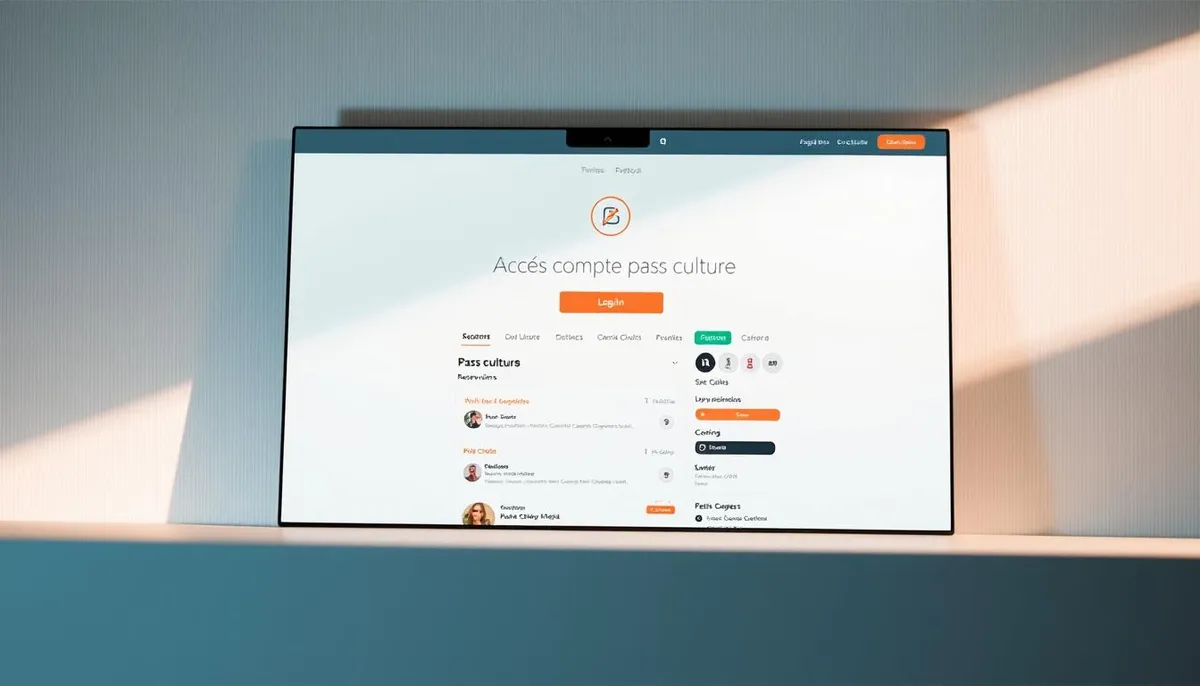
Login and Profile Verification
First, download the official application from your usual store. Create a personal account with a valid email address and a strong password. Carefully check your contact details: an error could block certain reservations.
For sensitive activities, a digital ID will be required. This precaution protects users and complies with legal obligations. Always update your profile if your information changes.
Navigation in the Interface and History
The tab dedicated to reservations is located at the bottom of the main screen. Use the intuitive filters to sort by date, category, or status. A simple color code indicates past events (gray), confirmed (green), and canceled (red).
Your cultural history becomes a true logbook. Check it regularly to discover your preferences or plan new experiences. Complete details include locations, times, and amounts spent.
Tip: enable push notifications from the application. You will receive helpful reminders 24 hours before each scheduled activity. This feature prevents last-minute forgetfulness.
Guide: How to Cancel a Culture Pass Reservation
Changing your cultural plans requires knowing the rules in effect. The reservation cancellation system operates with specific constraints depending on the type of activity chosen. Special attention is needed for outings to the cinema or shows.
Scheduled events follow a double time rule. You have 48 hours after the reservation to change your mind, but only if the date of the activity is more than two days away. This combination of deadlines protects both users and organizers.
The Culture Pass application and partner sites offer distinct procedures. Your initial payment method determines where to make changes. A purchase via the official platform allows for self-management in three clicks.
Be cautious of the special conditions mentioned during validation. Some workshops or exhibitions may have different policies. Always check the offer details before any confirmation.
After the cancellation deadline, no modifications are usually allowed. This strictness ensures the financial stability of cultural structures. For a Culture Pass explanation, be sure to check your schedule before finalizing each reservation.
Cancellation Conditions and Deadlines to Respect
Understanding the cancellation rules helps avoid unpleasant surprises. The system combines flexibility for the user and protection for organizers. Two time parameters determine your modification possibilities.
The first rule imposes a cancellation deadline of 48 hours after validation. But be careful: this window only applies if the event takes place more than two days away. A last-minute reservation thus becomes irreversible immediately.
Some specific activities have particular conditions. Workshops with limited capacity or highly demanded shows may reduce this timeframe. Always check the red mentions under the offer description.
A summary table simplifies decision-making:
| Type of Activity | Cancellation Deadline | Exceptions |
|---|---|---|
| Concerts | 48h before + 48h after reservation | Festivals |
| Exhibitions | Up to 24h before | Guided tours |
The exact deadline appears clearly during confirmation. A countdown is set up in your personal space. For non-modifiable offers, a warning appears in uppercase before payment.
Practical tip: schedule a reminder in your calendar as soon as you validate. This will give you two days to reconsider your choice without pressure.
Proceeding with Cancellation via the Culture Pass Application
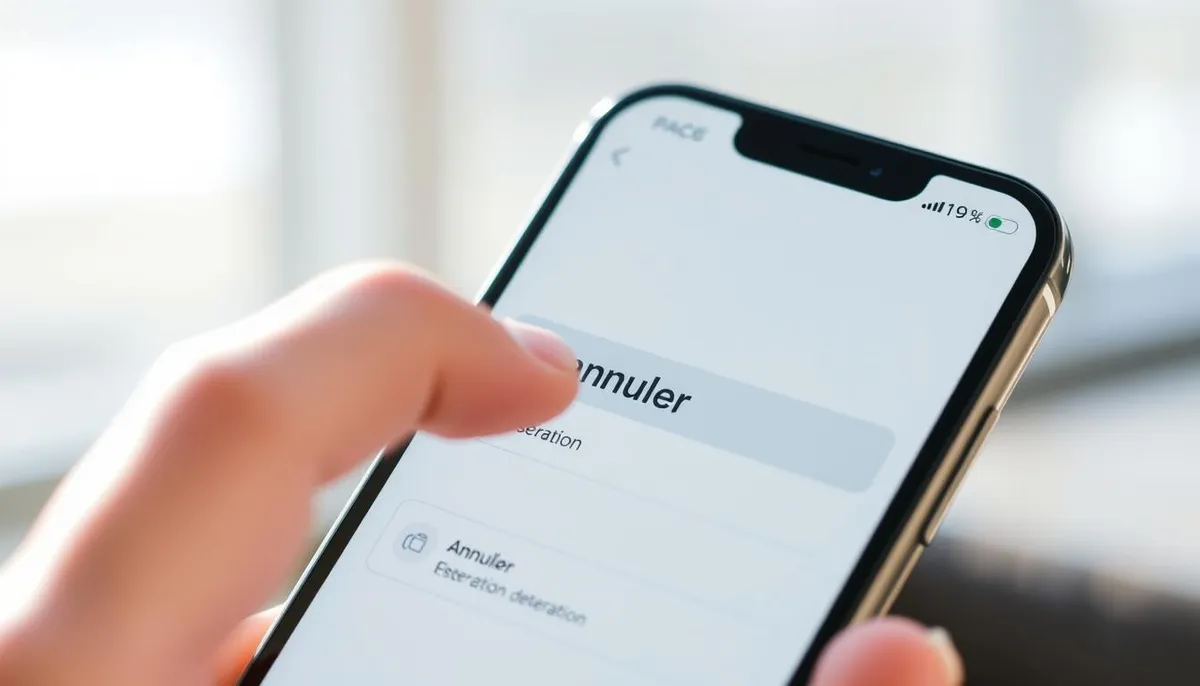
Your cultural agenda is changing? The digital tool simplifies program modifications. This quick method works 24/7, provided you respect the specific deadlines indicated during initial validation.
Locate the Reservation to Cancel
Open the application and log in. In the My Activities tab, filter by status “Upcoming”. A color system differentiates modifiable events (light green) from non-cancellable ones (gray).
Follow the Confirmation Steps for Cancellation
Select the relevant activity and press “Manage”. The next screen displays:
- The modification deadline
- The amount refunded
- A summary of the schedule
Confirm by validating your choice with a fingerprint or secret code.
Receive a Cancellation Notification
A double acknowledgment arrives instantly:
- A push alert in the application
- An email with a PDF receipt
Your credit is updated within a maximum of 2 hours. Keep these proofs in case of a dispute with the organizer.
Tip: use the “Favorites” function to quickly find activities that can be rescheduled. This method avoids scrolling through your entire history during program adjustments.
Canceling a Reservation on the Partner's Site
Some cultural experiences require management via external platforms. When your activity involves an independent partner, cancellation follows specific steps according to their booking system.
Cinemas and other cultural venues sometimes use their own digital tools. Your purchase confirmation always contains a direct link to the concerned provider's interface. Click it to access modification options.
Managing External Reservations
Create an account on the partner's site if necessary. Use the same details as on your main profile to facilitate synchronization. Then search for your activity via a mobile application:
- The confirmation number received by email
- The date and time of the offer
- Your personal login credentials
Cancellation conditions may sometimes vary between the national platform and local providers. Always check the legal mentions on the site before taking any action. Your credit is generally updated within 72 hours after validation.
A practical tip: archive all confirmation emails. These proofs facilitate exchanges with the partner in case of technical issues. For group offers or subscriptions, contact the venue's support directly.
Resolving Technical Issues During Cancellation
Frozen screens or system errors can disrupt your program modifications. Don't panic: these issues can often be resolved with simple actions.
In case of high traffic, the application may temporarily slow down. Check your internet connection and refresh the page. If the button remains inactive, completely close the software and then restart it.
For recurring bugs, an update is necessary. Go to your phone's settings to clear the cache. This operation cleans temporary data without affecting your ongoing reservations.
If the problem persists after restarting, reinstall the application. Your login credentials will allow you to retrieve all your data. Check the history to verify the status of each activity.
In case of emergency, contact support by email or at 01 85 49 15 21. Prepare your case number and necessary screenshots. A team will respond within 48 working hours.